

EufyMake Sender
Send G-code to the AnkerMake, watch the camera.
Unsigned build: right-click → Open on first launch.
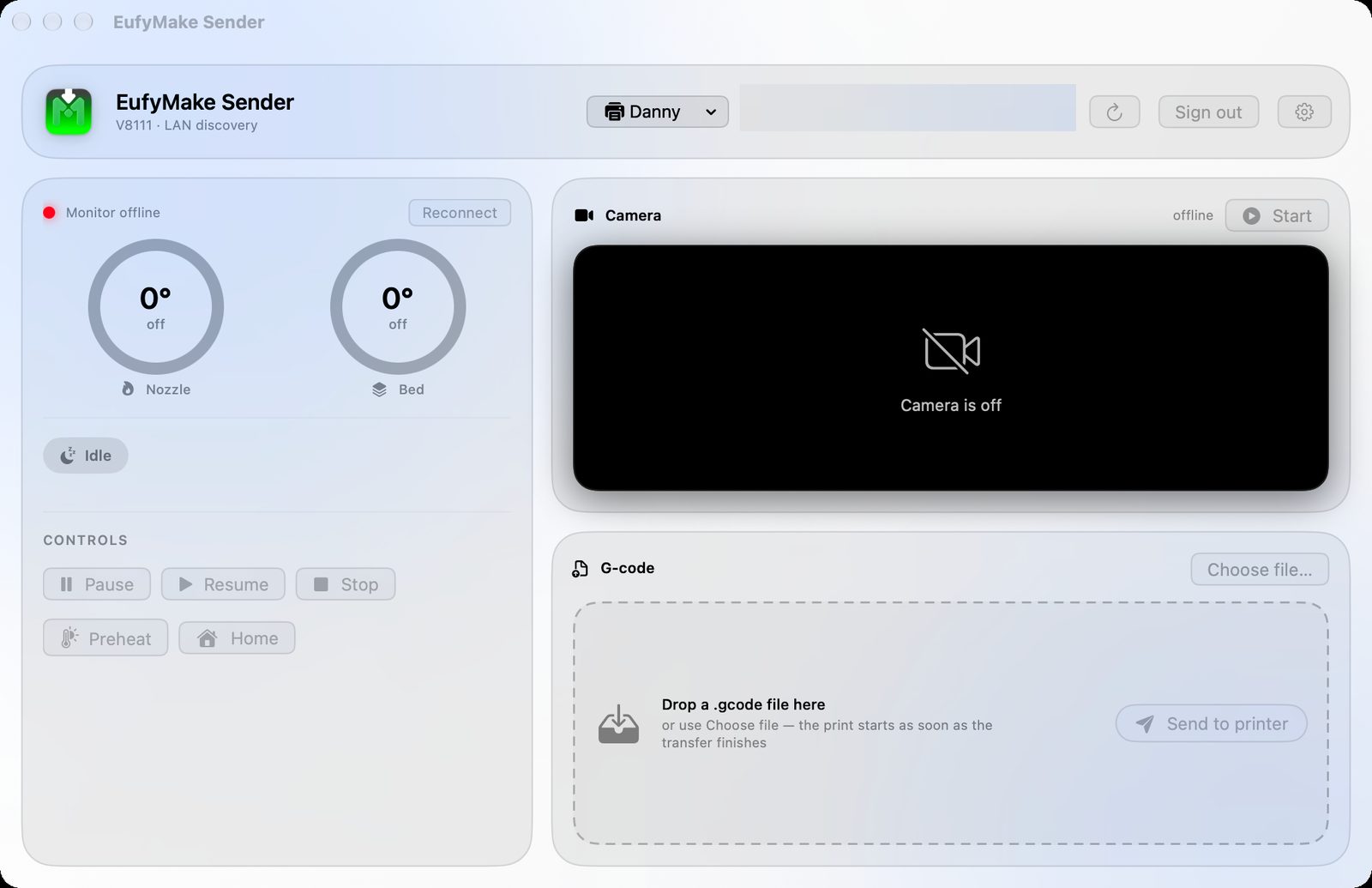
A tiny native macOS app for the AnkerMake M5 and M5C that does exactly three things: send a G-code file, show the printer's camera, and set or read nozzle and bed temperatures.
No slicer, no cloud dashboard, no account juggling beyond the one AnkerMake login. Drag a .gcode file onto the window, hit Send to printer, and watch the camera while it prints.
Pairs naturally with Springtail Slicer: slice there, send here.
What it does
G-code transfer
Import or drag-and-drop a .gcode file; it uploads over your LAN and starts printing when the transfer completes.
Live camera
The M5's built-in camera at 720p / 25 fps, decoded with VideoToolbox.
Temperatures
Nozzle and bed current and target temps, print state, progress, elapsed and remaining time, layer count.
Temperature control
Click either gauge to set a target, or turn a heater off. Last targets are remembered for Preheat. Works idle or mid-print.
Print control
Pause, resume, stop, preheat, home — right in the window.
Screens
Details
- Version
- 0.0.2 (beta)
- Runs on
- macOS 26 or later
Apple silicon
AnkerMake M5 or M5C on the same LAN - Download
- EufyMake-Sender-0.0.2.zip · 2.2 MB
- Links
- Source