ϟ Quick Notes▱ All iCloud▱ Notes〽 Canvas
01 / KEEP IT CLOSE
Folders for the everyday.
Quick notes and longer thoughts live alongside one another, ready when you need them.
 Notesy
View project
Keep everyday notes close. Bring your Apple Notes along in one click, then spread bigger ideas out on a canvas.
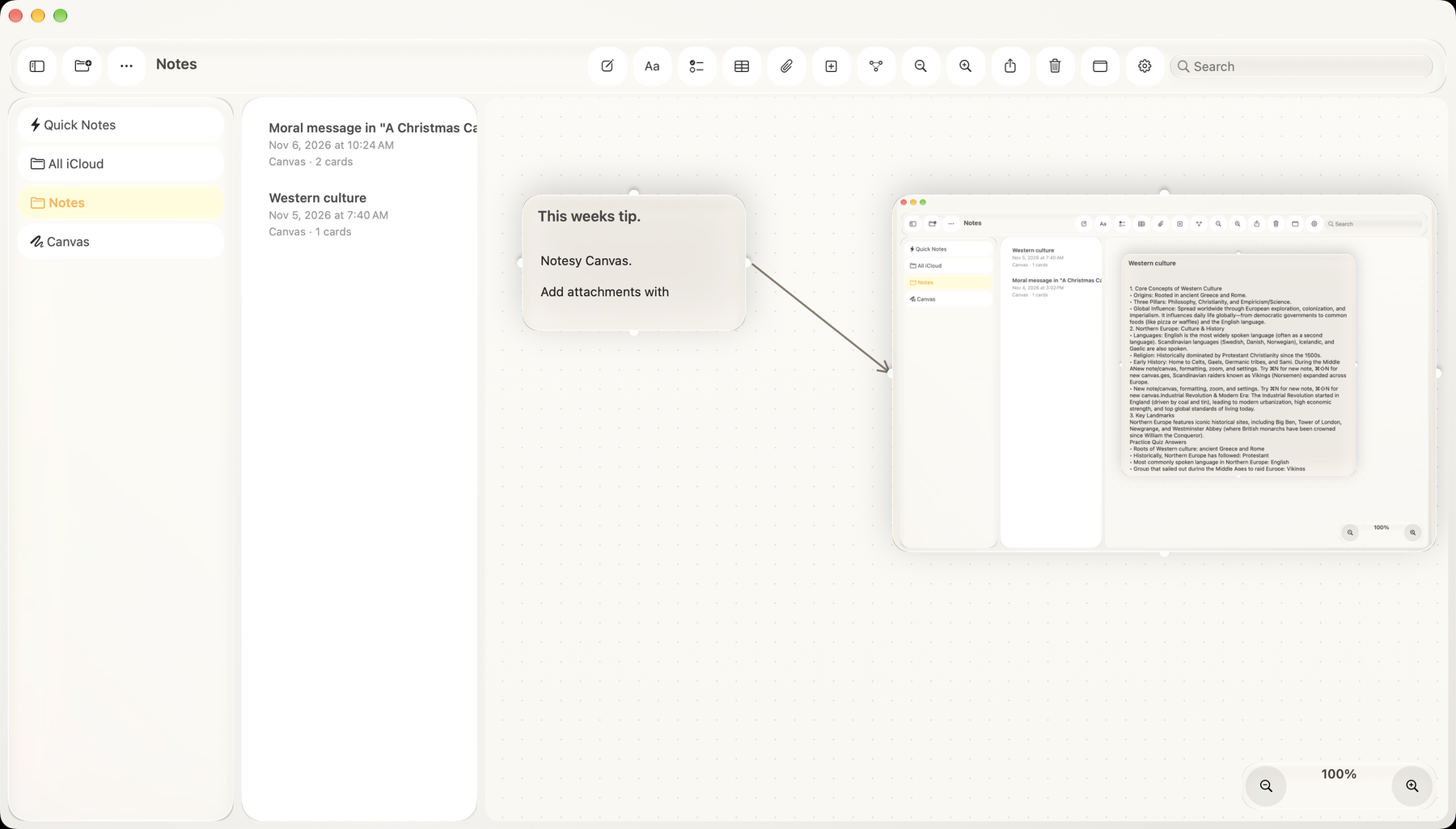
Notesy brings familiar notes and a flexible canvas together in one quiet workspace.
Keep your notes in folders. Give a thought its own canvas. Arrange cards, place free-floating arrows wherever they help, and zoom out when you need a little perspective.
Click around the workspace.
Try a new card or make a connection.
Quick notes and longer thoughts live alongside one another, ready when you need them.
Move cards around freely. Draw an arrow with Option and leave it wherever it helps your thinking.
Soft glass controls float above a quiet canvas, keeping attention on what you’re making.
Bring your notes and nested folders into Notesy in one click. Your originals stay in Apple Notes, and Notesy recognizes notes you’ve already imported. Allow access when macOS asks.